
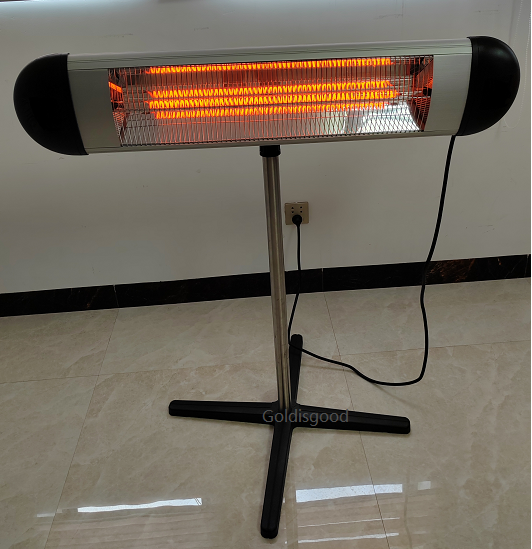
Making Smart Heaters That Actually Survive the Rain
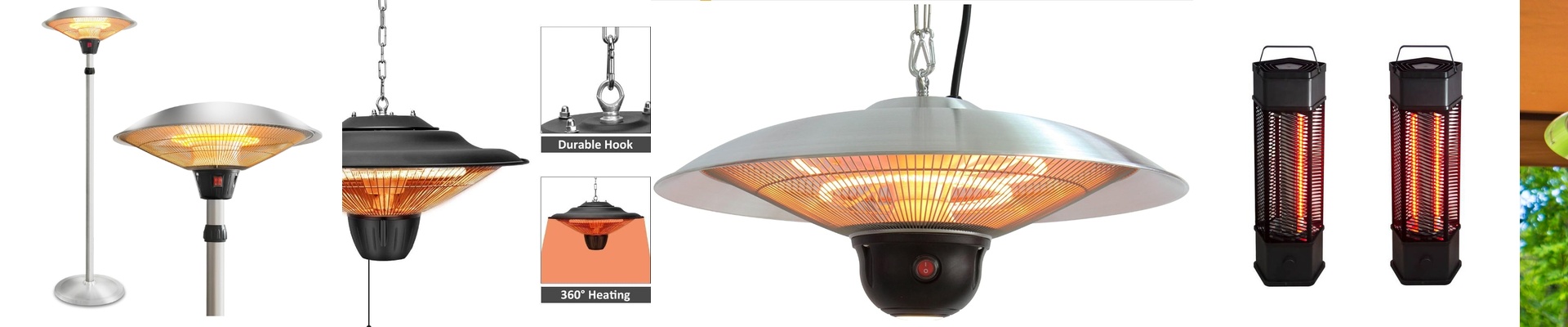
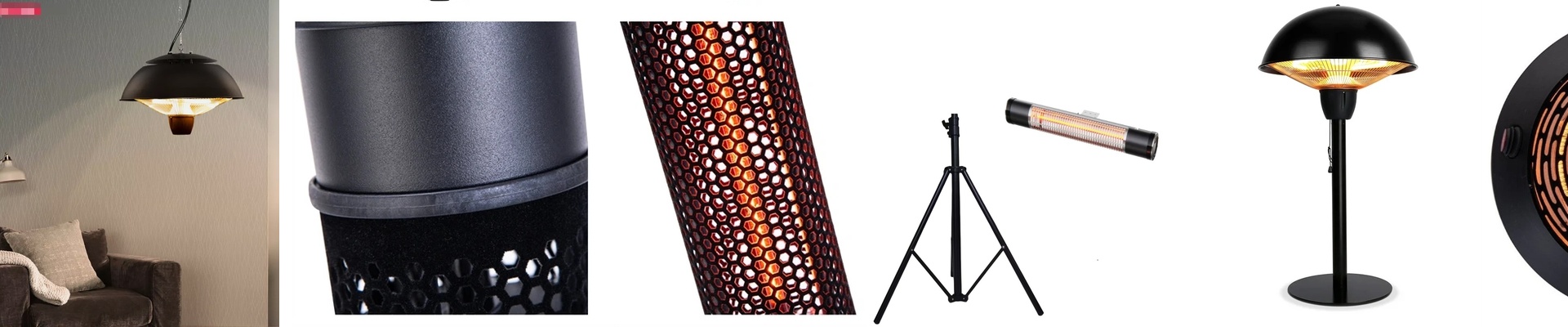
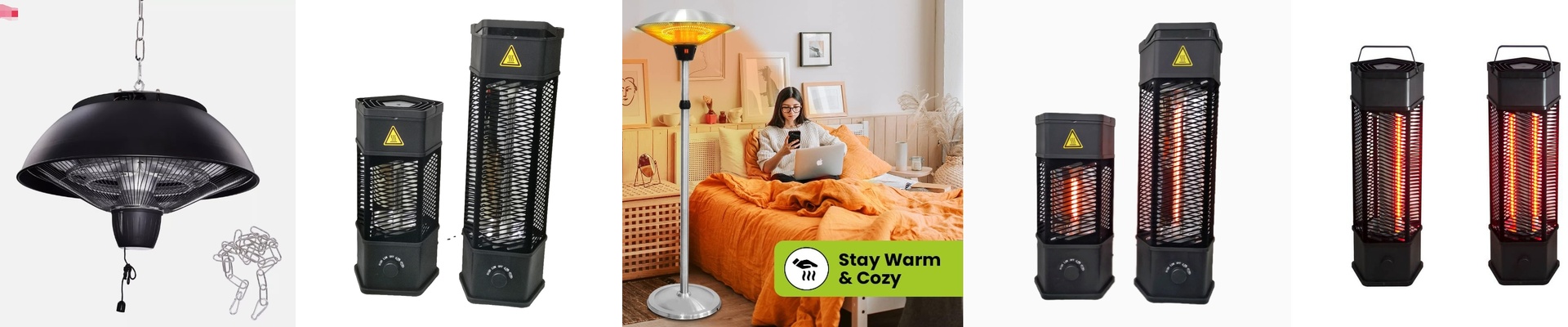
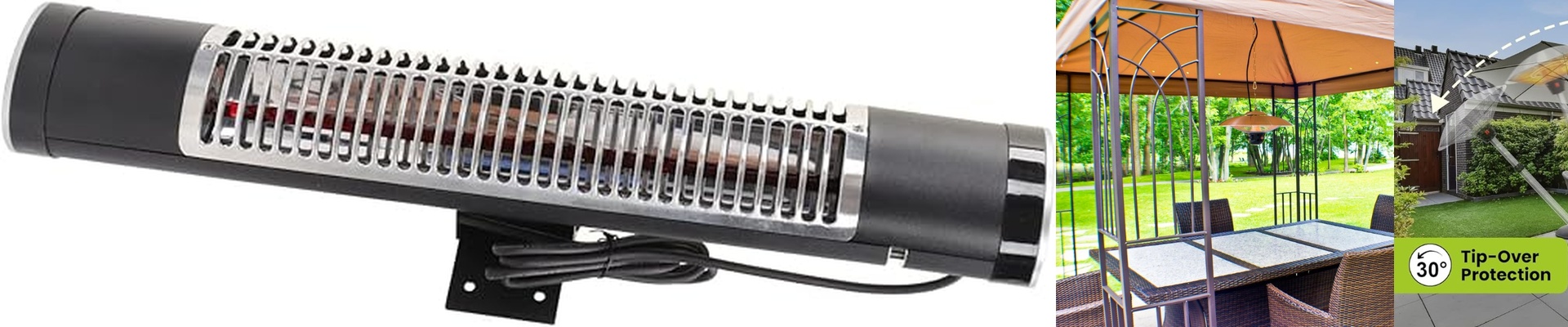
We build waterproof table heaters that can take a beating in wet environments without blowing a fuse. When we talk about an “IP55 rating,” all that really means is that we’ve built a housing that keeps dust out and doesn’t freak out when it gets hit by a spray of water. But here is the tricky part. Making a heater that gets hot is easy. Making it talk to your smart home? That’s where things get interesting.
How the Gear Actually Works
If you want “instant heat” from a voice command or a tap on your phone, you need the right controller. We use infrared emitters that send out short-wave radiation. Think of it like the sun. Instead of wasting time heating up all the air in the room, these go straight for the target. You feel the warmth immediately. To make this “smart,” we hook the heating element up to a Zigbee or Wi-Fi switch. So, when you hit “Winter Mode” in your app, the relay snaps shut, power hits the quartz tube, and boom—you’re warm.
The Danger Zone: Power and Load
Here is something a lot of people miss: you can’t just plug a heavy-duty heater into a cheap smart plug. Most of those little plastic plugs are rated for 10A or 15A. If you’re running a high-power industrial heater through one, it’ll probably melt or burn out. Not great. The fix is to use a heavy-duty contactor. The smart switch just tells the contactor to wake up, and the contactor does the heavy lifting of moving the actual electricity to the heater. It’s safer, and it actually lasts.
The Reality of Installing This Stuff
Waterproofing the box is only half the battle. The connection points are where most people mess up. We use sealed cable glands to keep that IP55 protection intact. But if you leave a junction box open during the install, that rating doesn’t mean a thing. You’re just inviting water in. One last tip: make sure your wiring can handle the heat. If you use the wrong gauge, the insulation can melt right against the chassis. And nobody wants that.